Tutarium guide
Create your first book page
Turn a store link—or a few essential details—into a durable public book page you can use everywhere.
Why this matters
A book page gives every newsletter, post, interview, ad, and QR code one reader-facing home. Start with the essentials, publish a useful link, and improve the page when you have more time.
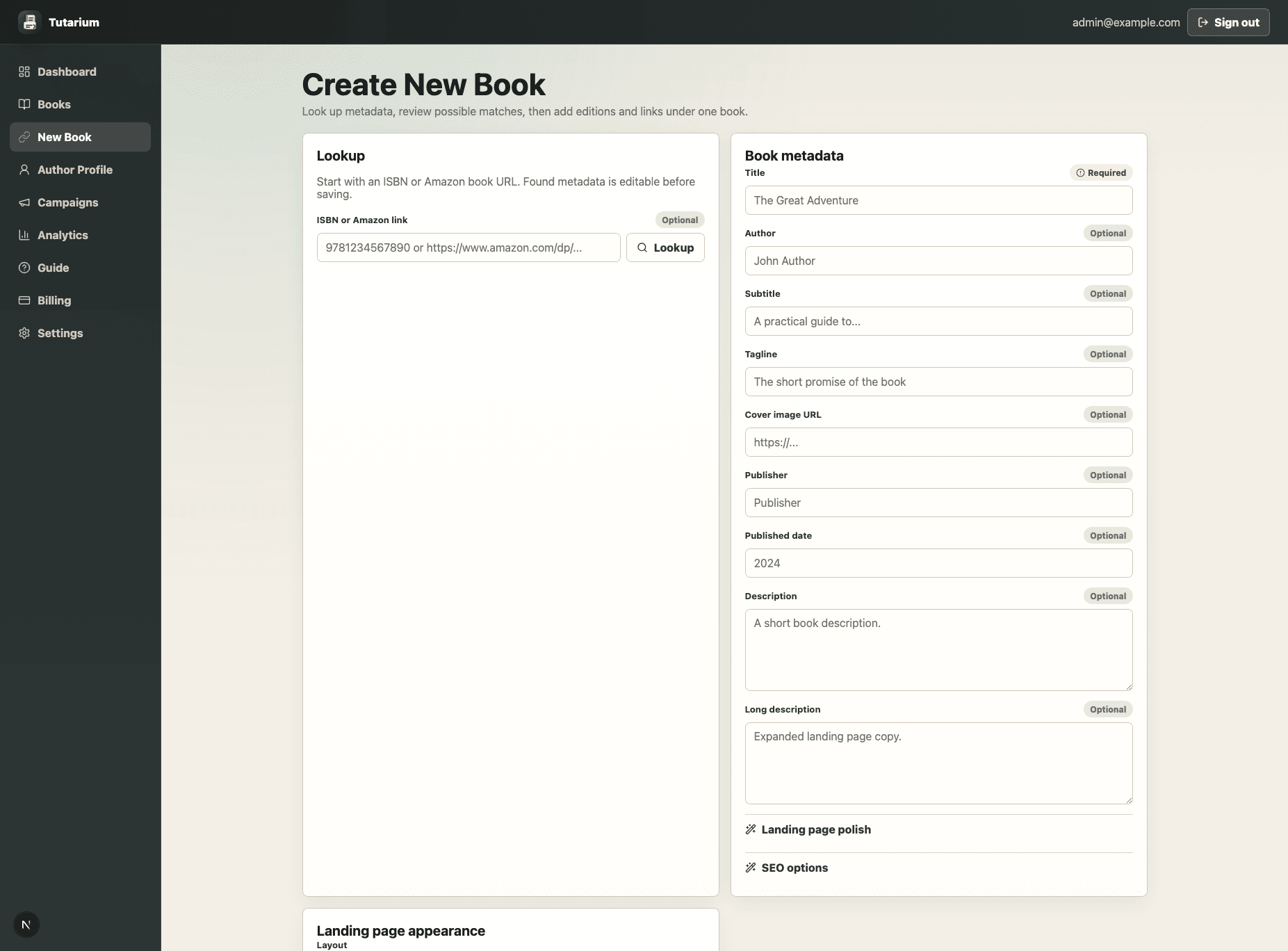
Start with a book or store link
Paste an Amazon, Kobo, Apple Books, Google Play, Barnes & Noble, Bookshop.org, Kickstarter, or direct sales URL when you have one. Tutarium classifies the store when it can, but you can continue without a link.
Confirm only the essentials
Add the title, then optionally upload a cover or use an image URL, add the author, and write a short description. This is enough to create a usable public `/b` book page.
Preview and publish the book link
Review the lightweight public-page preview, then publish. The success screen gives you the public book URL, copy action, campaign link path, author profile path, and full edit path.
Choose what to do next
Open the book workspace to copy the public link, add editions and retailers, review activity, or create a campaign. Choose Edit book when you are ready to add richer content or change the page design.
Build the reader path in manageable steps
You do not need to complete every field before sharing. Add formats and retailers next, then refine the page copy and appearance. The separate guides below walk through each task.