Tutarium guide
Create a campaign link
Make readable `/c` links that show whether a newsletter, TikTok, podcast interview, Facebook post, ad, or QR code moved readers.
Why this matters
Campaign links tell you where reader interest came from without making the URL ugly. Readers still enter the normal book flow, while your dashboard shows which promotion is worth repeating.
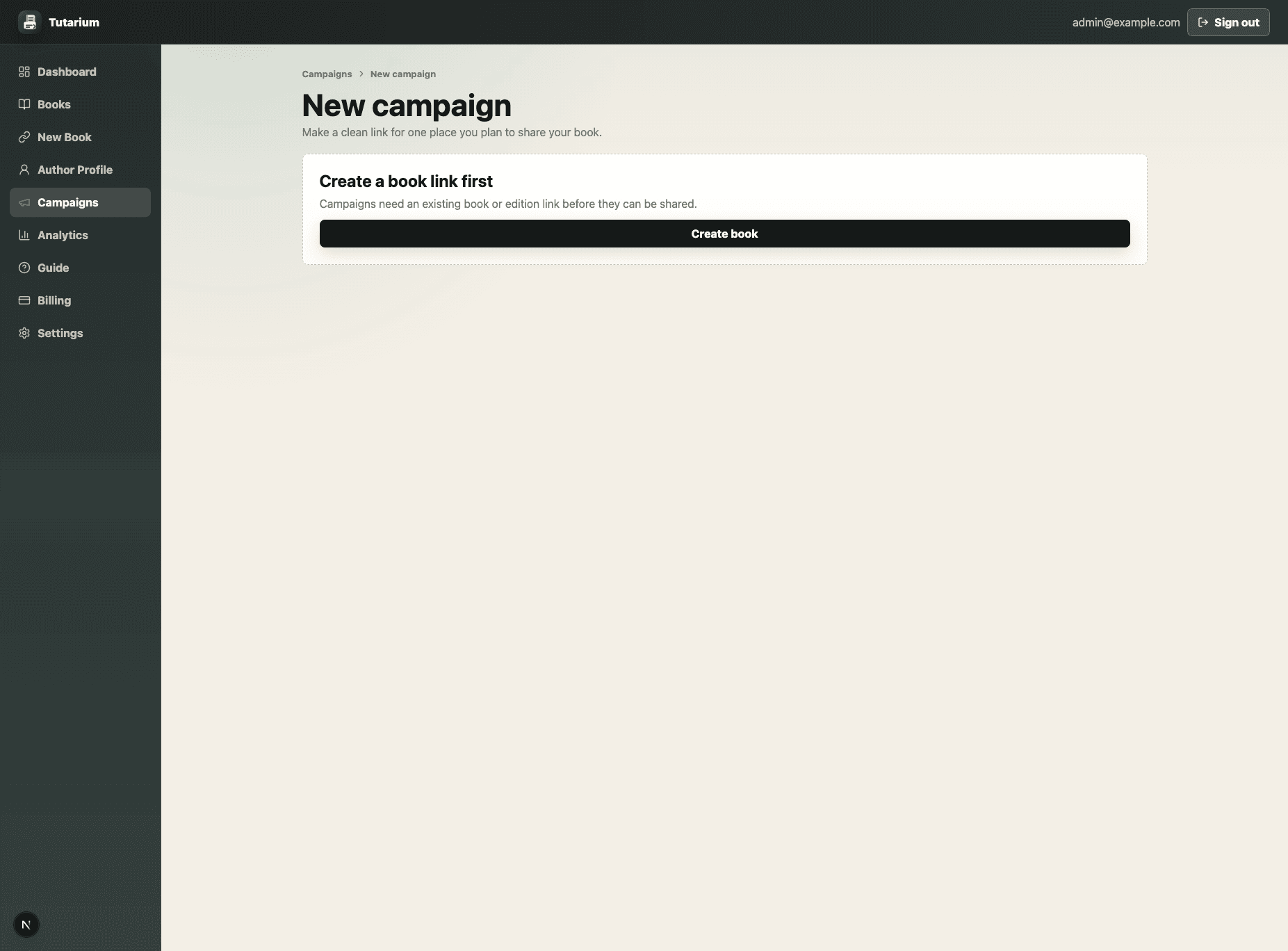
Choose what readers should see
Select the book landing page or a specific edition link that this campaign should send readers to.
Name the campaign clearly
Use a name you will understand later, such as a launch newsletter, podcast mention, ad set, conference QR code, or social bio placement.
Set the sharing place and type
Choose a preset source such as Newsletter, Instagram, TikTok, Website, Podcast, or Paid ad. The sharing type is filled for you and can be edited.
Review the clean `/c` link
Leave the custom slug blank for a generated readable URL, or set one when the link needs to match a public campaign name.